Test the extension!
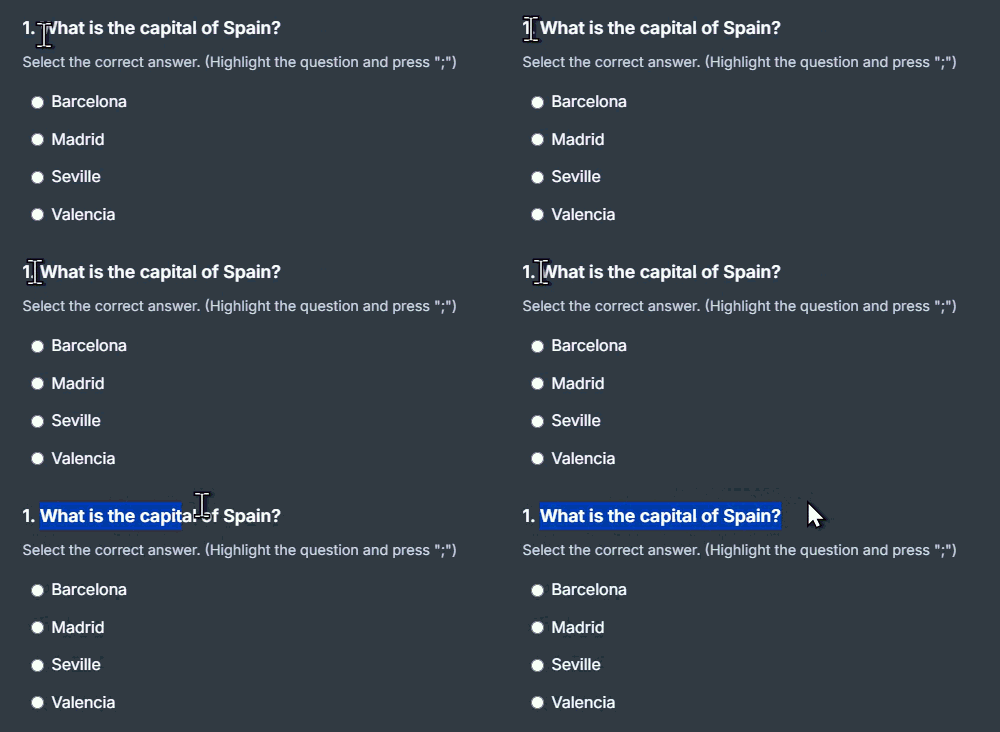
Here are some practice questions to test the extension. Log in, then double-click any question to see the auto-clicker in action, or highlight text and press your Magic Key for a 100% discreet answer in your bookmarks!
For the extension to work, make sure your bookmarks bar is visible (Ctrl+Shift+B or Cmd+Shift+B). Your magic key will then trigger the assistant.
Install - It's Free2 Ways to Use The Quiz Solver:
Double-click anywhere on the question text: The Quiz Solver instantly solves and automatically clicks or types the correct answer directly on your screen!
Need absolute discretion? Highlight the question text with your mouse and press your magic key (;). The answer appears discreetly in your bookmarks bar without modifying the page.
Test Double-Click on the question to auto-select the answer, or highlight it and press your magic key (;).
Double-click on the operation to calculate and fill it in automatically, or use your magic key.
If you have a Premium account, you can take a screenshot of your questions.
 What is this country?